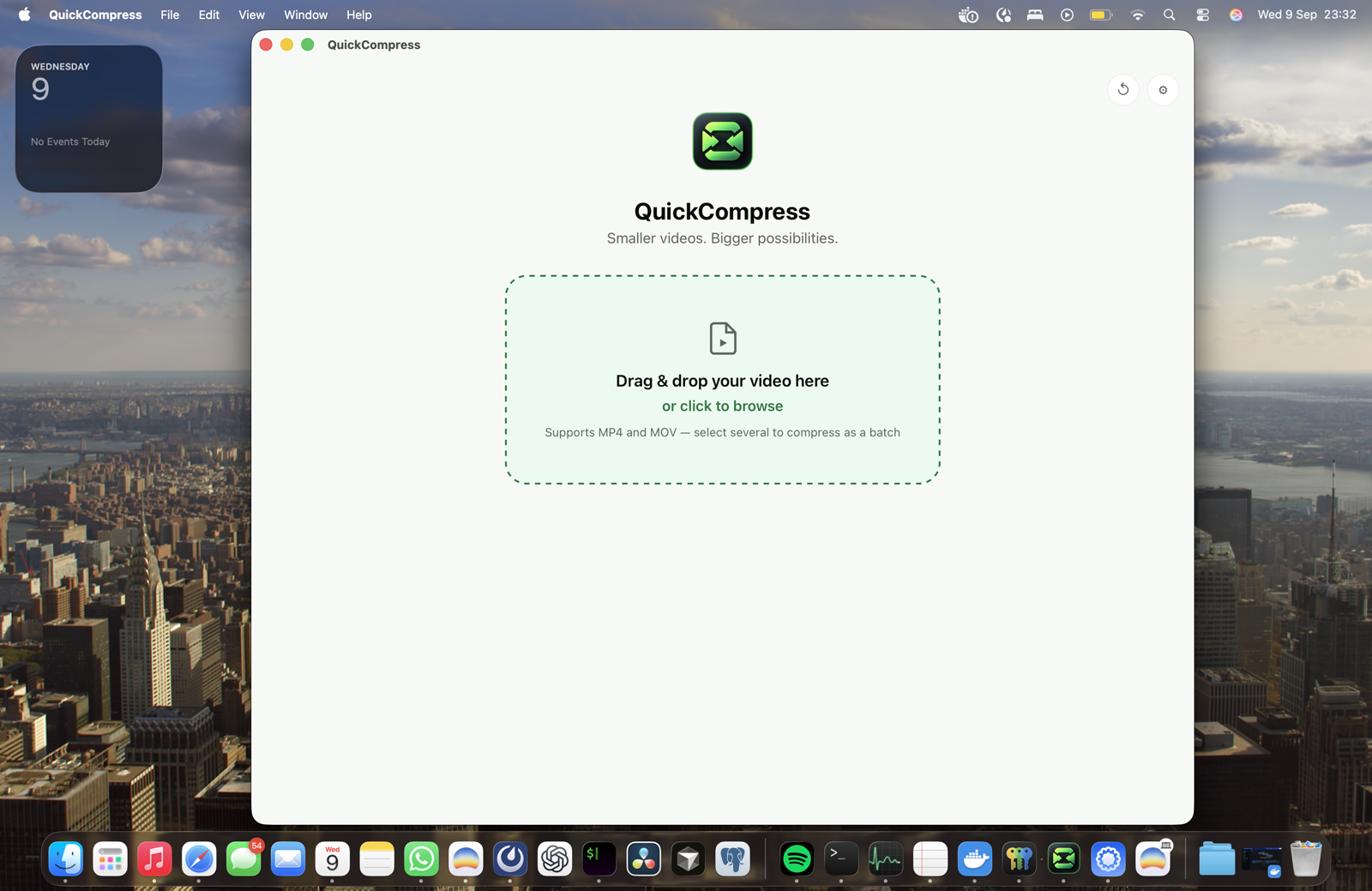
Make videos smaller.
Fast.
Compress large videos on your Mac. No uploads. No subscription.
One-time lifetime license, 1 Mac · Apple Silicon · macOS 13+
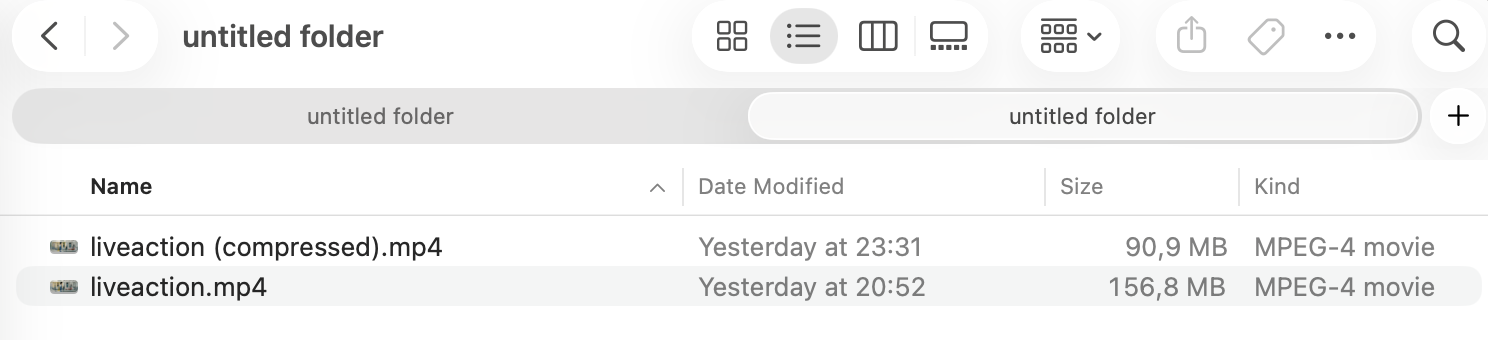
15s of 4K H.264 footage. MacBook Pro, Apple M1 Pro. Compressed in 8.6 seconds.
Need it under 25 MB?
Pick the size you need. QuickCompress works out the bitrate and encoding settings to hit it.
Drop. Choose.
Done.
Drop your video
Drag in an MP4 or MOV. QuickCompress reads it locally.
Choose the result
Make it smaller, or set an exact size like 25 MB.
Get the smaller file
Your source stays untouched. The new file saves locally, ready to share.
Runs on the hardware you already own.
QuickCompress uses Apple Silicon's video engine directly. No fans, no battery drain, no waiting on a render.
Your video never leaves your Mac.
QuickCompress processes files locally. Client footage, unreleased content and private recordings never need to pass through a server.
Why not HandBrake or an upload tool?
Both work well for what they're built for. Here's the honest difference.
Pay once.
Keep it.
Small app.
Clear answers.
Does QuickCompress upload my videos?+
Is there a file size limit?+
Which video formats are supported?+
Will compression reduce video quality?+
Why not just use HandBrake?+
How does the license work?+
Can I use QuickCompress on more than one Mac?+
Do I have to pay again for updates?+
Which Macs are supported?+
Your video is too big.
Make it fit.
Get QuickCompress $39No uploads. No subscription. No file size limits.